Introduction: The New Era of Automated Trading
As we navigate the financial landscape of 2026, the barrier between professional quant traders and retail investors has never been thinner. The rise of visual programming languages like Blockly has democratized the creation of automated trading strategies. If you have ever wanted to automate your trading ideas but felt intimidated by Python or C++, this DBot Blockly Tutorial for Beginners is designed specifically for you.
DBot is a web-based platform that allows users to build trading robots using a drag-and-drop interface. It leverages Google’s Blockly library to turn complex logic into visual blocks. This means you don’t need to worry about syntax errors or missing semicolons; you simply focus on the logic and the strategy. In this guide, we will walk you through every step of the process, from understanding the interface to deploying your first live bot.
Section 1: Understanding the DBot Ecosystem
Before we dive into the blocks, it is essential to understand what DBot actually does. DBot connects to your trading account and executes trades based on the rules you define. These rules are organized into four distinct stages of a trade cycle:
- Watch the market: This is where the bot monitors price movements and technical indicators.
- Purchase conditions: The specific criteria that trigger a “Buy” or “Sell” order.
- Sell conditions: Logic used to exit a trade before it reaches its natural expiration (if supported).
- Post-trade analysis: The logic that determines what happens after a trade is completed (e.g., doubling the stake after a loss).
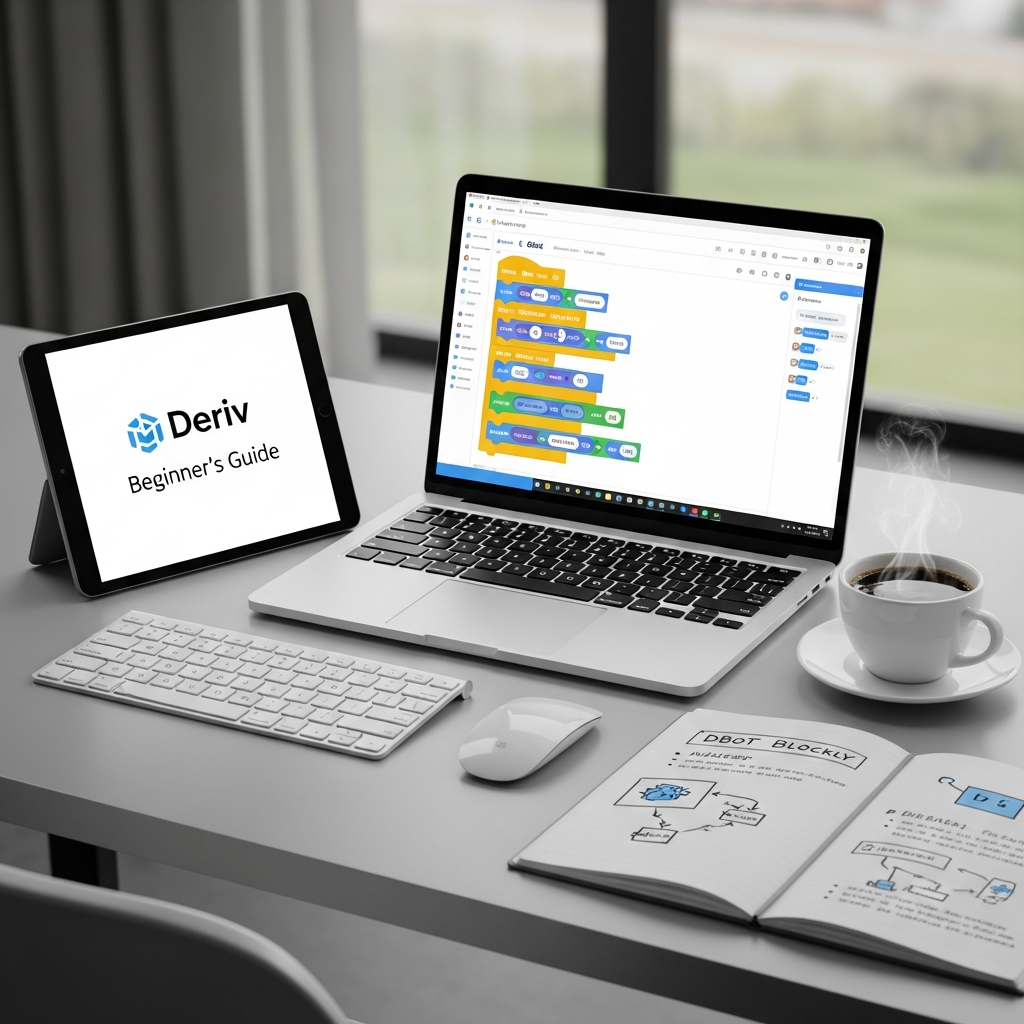
Section 2: Navigating the Blockly Interface
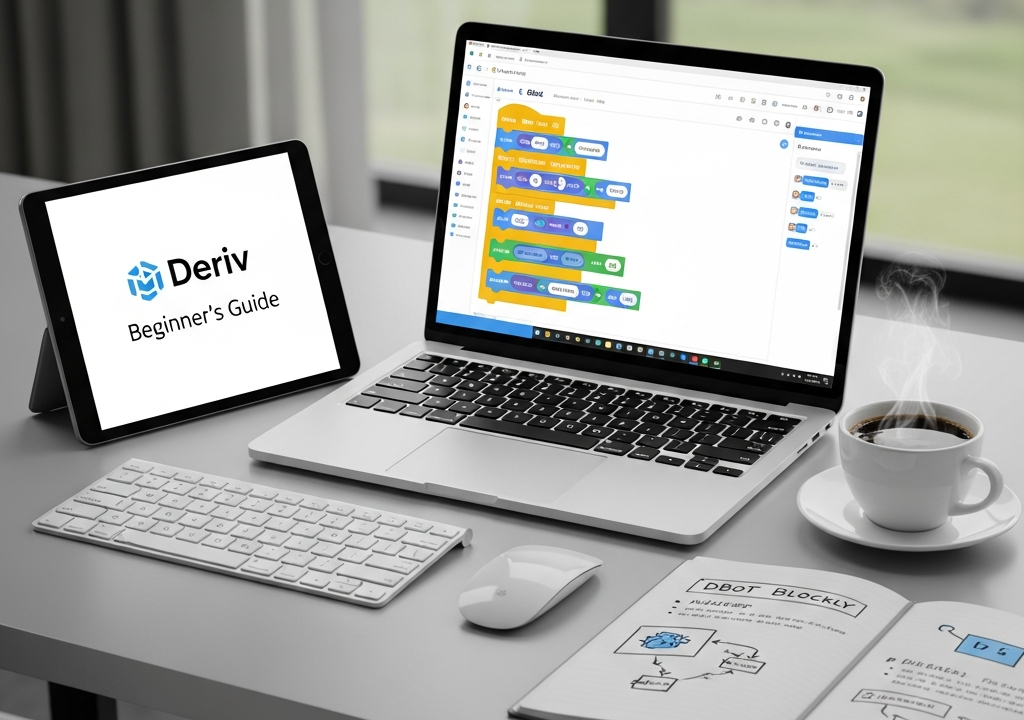
When you first open the DBot workspace, you will be greeted by a canvas and a sidebar filled with various categories of blocks. Let’s break down the essential components of the interface:
The Logic Sidebar
On the left-hand side, you will find the block library. This is divided into groups such as Logic, Math, Text, Variables, and Functions. For trading-specific actions, there is a dedicated section for Trade Parameters, Purchase, and Analysis.
The Workspace
The center of the screen is your “canvas.” This is where you drag and snap blocks together. In 2026, the interface has been optimized for both desktop and high-resolution tablets, allowing for more complex strategy visualization.
The Dashboard and Bot Builder
DBot provides a toggle between the “Builder” (where you code) and the “Dashboard” (where you monitor performance). Always ensure you are in the Builder mode when following this tutorial.
Section 3: Your First Strategy – The Foundation
In this DBot Blockly tutorial for beginners, we will build a simple “Trend Follower” bot. Our goal is to buy when the current price is higher than the previous price. While simple, this teaches you the fundamental structure of every bot.
Step 1: Setting Trade Parameters
Every bot starts with a mandatory block called “Trade Parameters.” Here, you define:
- Market: Choose the asset (e.g., Volatility Indices, Forex, or Commodities).
- Contract Type: Decide if you are trading Rise/Fall, Higher/Lower, or Touch/No Touch.
- Stake: The amount of money you want to risk per trade.
Step 2: Defining the Purchase Logic
Navigate to the “Analysis” category. To make a decision, the bot needs data. We will use the “Last Tick” block. Our logic will be: IF Last Tick > Previous Tick, THEN Purchase Rise.
To do this, drag an “If” block from the Logic category into the “Purchase Conditions” area. Inside the “If” slot, connect a comparison block (=, >, <). On one side of the comparison, place the “Last Tick” block; on the other, use a variable you have created to store the previous tick’s value.
Section 4: The Importance of Variables
Variables are the “memory” of your bot. Without them, your bot cannot compare what is happening now to what happened a minute ago. In a DBot Blockly Tutorial for Beginners, mastering variables is the most significant hurdle.
To create a variable, click on the “Variables” category and select “Create variable.” Name it something clear, like target_profit or current_loss. You can then use the “Set” block to update these values as the bot runs.
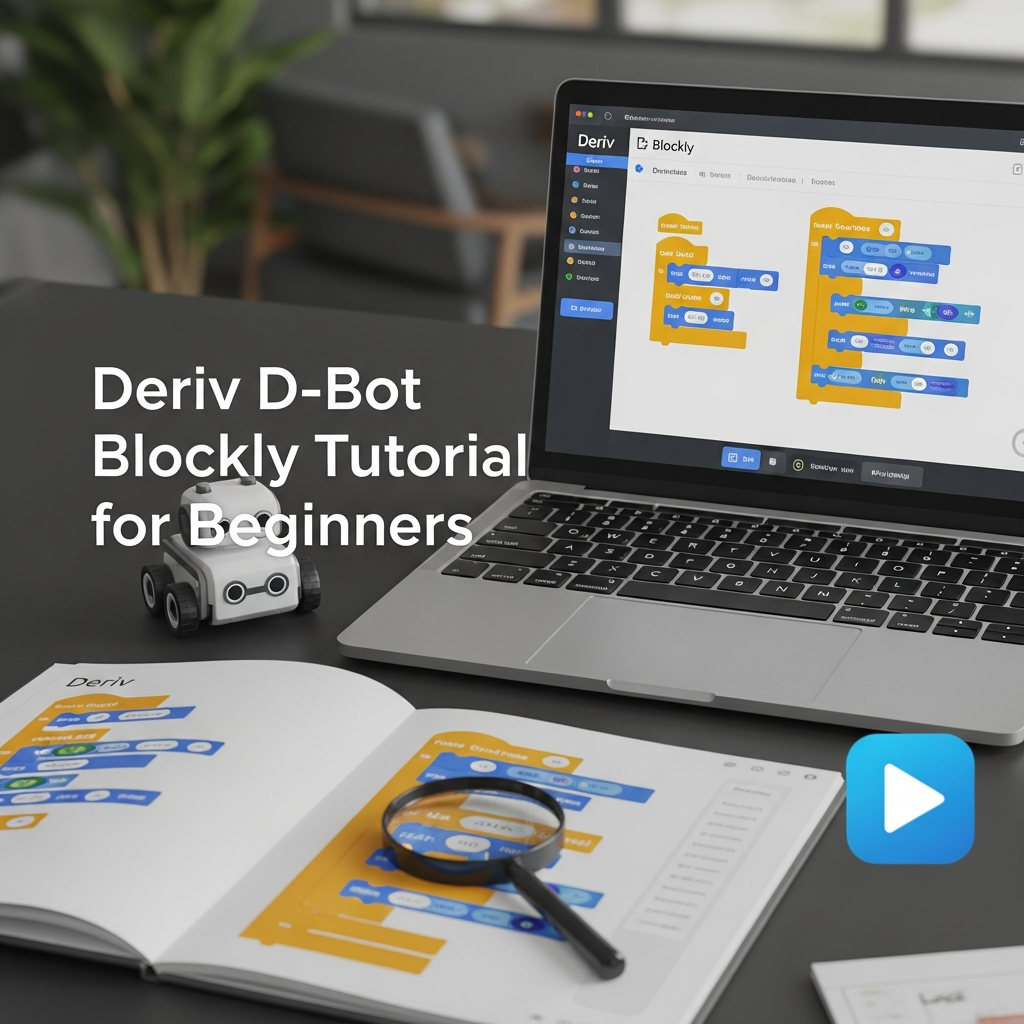
Section 5: Post-Trade Logic (Money Management)
A bot that just buys is only half-complete. The most critical part of automated trading in 2026 is risk management. What happens if the trade loses?
Implementing a Simple Martingale
A Martingale strategy involves doubling your stake after a loss to recover previous losses. In the “Post-Trade Analysis” block, you can add logic that checks the result of the last trade:
- Use an “If” block to check if “Contract Result is Loss.”
- If true, use a “Set” block to update your stake variable by multiplying it by 2.
- If the result is a win, reset the stake to your initial amount.
Warning: Martingale strategies are high-risk and should be used with extreme caution and strict stop-loss limits.
Section 6: Testing and Debugging Your Bot
Before you even think about using real funds, you must utilize the Virtual Account feature. DBot provides a sandbox environment where you can run your Blockly script against live market data without financial risk.
Common Beginner Errors
- Infinite Loops: Ensure your bot has a clear exit condition or a “Wait” block to prevent it from trying to execute hundreds of trades per second.
- Null Values: If you try to compare a variable before you have assigned it a value, the bot will crash. Always initialize your variables at the very beginning of the script.
- Market Availability: Ensure the market you have selected is open. While Volatility Indices run 24/7, Forex markets close on weekends.
Section 7: Advanced Features in 2026
As of 2026, DBot has integrated several advanced features that beginners should gradually explore:
External Signals
You can now fetch data from external APIs. This allows your Blockly bot to react to news events or sentiment analysis from social media, although this requires a more advanced understanding of JSON and web hooks.
AI Analysis Blocks
New “AI-Predict” blocks allow you to leverage machine learning models that analyze the last 1,000 ticks to find patterns. For a beginner, these can be added to your “If” conditions to add an extra layer of confirmation before a trade is placed.
Section 8: Best Practices for Success
To move from a beginner to an intermediate bot builder, follow these golden rules:
- Start Simple: Don’t try to build a 50-block strategy on day one. Start with 5 blocks, ensure they work, and then add complexity.
- Document Your Logic: Use the “Comment” feature in Blockly. Right-click any block and select “Add Comment.” Explain why you chose a specific setting. This is a lifesaver when you return to a bot after several months.
- Monitor Volatility: Strategies that work in a trending market will fail in a ranging market. Build “filters” into your bot to detect market conditions.
- Set a Hard Stop-Loss: Never let a bot run indefinitely. Set a “Max Loss” variable that stops the bot entirely if a certain threshold is reached.
Conclusion: Your Journey Into Automation
This DBot Blockly Tutorial for Beginners is just the starting point of your journey. The beauty of Blockly lies in its modularity; you can constantly tweak, improve, and expand your trading robots as you learn more about the markets. In the fast-paced world of 2026, automation is no longer a luxury—it is a tool for efficiency and discipline.
Take your time to explore the blocks, experiment in the virtual environment, and remember that the best bot is not the most complex one, but the one that manages risk effectively. Happy trading!