Introduction: The Quest for Milliseconds in 2026
In the fast-paced world of algorithmic trading, the difference between a winning trade and a missed opportunity often comes down to milliseconds. As we navigate the trading landscape of 2026, the complexity of automated scripts has grown significantly. For users of DBot—the premier automated trading platform for binary options and synthetics—ensuring your local environment is running at peak efficiency is no longer optional; it is a prerequisite for profitability.
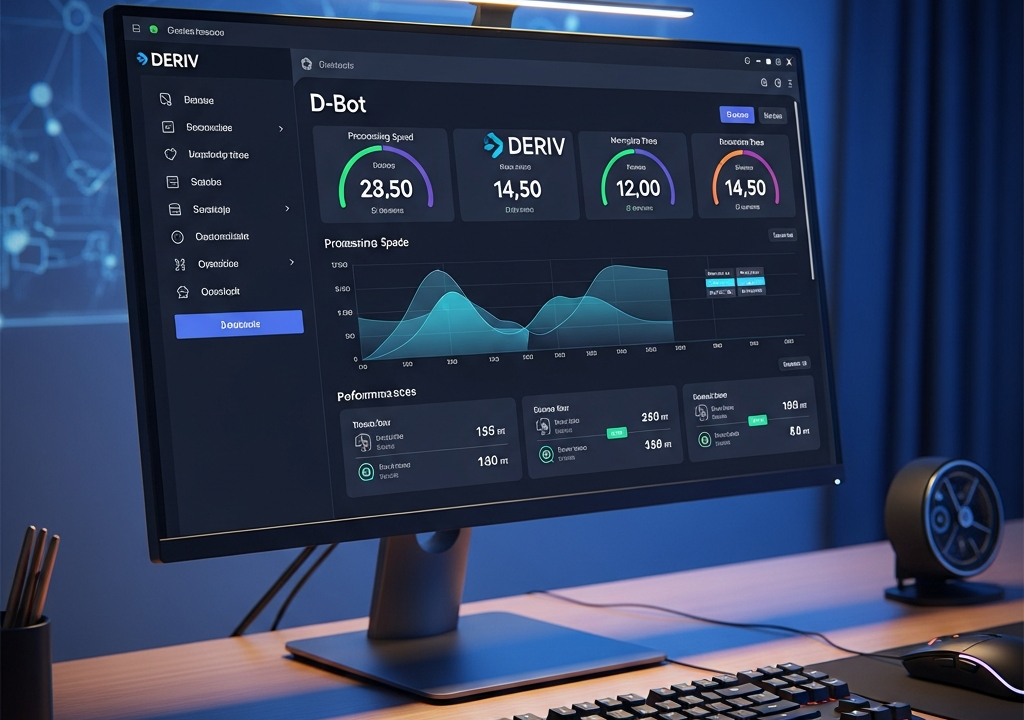
When you run a trading bot, your PC acts as the bridge between your strategy and the broker’s server. If that bridge is cluttered with background processes, high latency, or inefficient resource management, your execution will suffer. To Optimize DBot Performance on PC, one must look beyond the trading interface and dive into hardware acceleration, browser management, and system-level configurations.
1. Choosing and Configuring the Right Browser
DBot is a web-based platform, meaning its performance is inextricably linked to your browser’s engine. While Google Chrome remains the industry standard, it is notoriously resource-heavy. In 2026, many professional traders have shifted toward specialized or stripped-down environments.
The Chromium Advantage
Since DBot relies heavily on JavaScript execution, Chromium-based browsers (Chrome, Microsoft Edge, Brave) are generally the best choice. However, Microsoft Edge has introduced a “Efficiency Mode” that can actually throttle background tabs, which is detrimental to a bot running in a non-active window. Ensure that for your trading browser, all energy-saving features are disabled.
Clearing the Cache and Managing Extensions
Browser cache can become a double-edged sword. While it speeds up loading times for static assets, a bloated cache can lead to memory leaks in long-running sessions. When you aim to optimize DBot performance on PC, make it a habit to clear your browser data weekly. More importantly, disable all non-essential extensions. Ad-blockers and VPN extensions can intercept network requests, adding precious milliseconds of latency to every tick update.
2. Hardware Acceleration and Graphics Settings
It might seem counter-intuitive to worry about your graphics card (GPU) for a text-and-block-based trading interface, but DBot uses visual elements that can be offloaded to the GPU to free up the CPU for logical processing.
Enable Hardware Acceleration
Within your browser settings, ensure “Use graphics acceleration when available” is toggled ON. This allows the CPU to focus entirely on the execution of the bot’s logic and the WebSocket data stream, while the GPU handles the rendering of the charts and the DBot workspace.
High-Performance Power Plans
Windows 11 and the newer Windows 12 (released recently in 2026/2026) default to balanced power plans. To maximize performance, navigate to Control Panel > Hardware and Sound > Power Options and select “High Performance” or “Ultimate Performance.” This prevents the CPU from down-clocking during periods of low visual activity, ensuring that when the market moves, your processor is already at its peak frequency.
3. Network Optimization: Reducing Latency
Latency is the enemy of the DBot user. If your PC takes 200ms to receive a price quote and another 200ms to send a trade command, the market has already moved 400ms ahead of you. Here is how to tighten that loop.
Ditch Wi-Fi for Ethernet
Even with the advancements in Wi-Fi 7 technology in 2026, nothing beats a physical Cat6 or Cat8 Ethernet cable. Wired connections provide lower jitter (variance in latency), which is crucial for the WebSocket stability that DBot requires.
DNS Optimization
Often overlooked, your DNS (Domain Name System) can affect how quickly your browser resolves the broker’s server addresses. Switching from your ISP’s default DNS to a faster alternative like Cloudflare (1.1.1.1) or Google (8.8.8.8) can marginally improve the initial connection handshake speeds.
4. Optimizing the DBot Script Logic
Optimization isn’t just about the machine; it’s also about the code. A poorly designed DBot strategy will lag even the most powerful PC.
Avoid Nested Loops and Excessive Variables
Every time your bot performs a calculation, it consumes a small amount of memory. If you have deeply nested loops or you are storing thousands of historical data points in variables without clearing them, the browser tab will eventually hang. Use the “Notify” block sparingly—logging every tick update to the screen is a major resource drain. Instead, only notify on trade entries, exits, or significant errors.
Use the ‘Analysis’ Block Efficiently
DBot provides specific blocks for technical analysis. Rather than rebuilding a Moving Average calculation using basic math blocks, use the built-in indicators. These are optimized at the source code level to run faster than custom-built logic blocks.
5. System-Level Maintenance for 2026
A PC cluttered with background applications will never run a trading bot at its full potential. To truly optimize DBot performance on PC, you must treat your trading machine like a server.
Debloat Your OS
Modern operating systems come with a variety of telemetry and background sync services (like OneDrive, Teams, or AI-assistant indexing). Use a trusted debloater tool or manually disable background apps that are not essential for trading. Each background process competing for CPU cycles is a potential bottleneck for your bot.
RAM Management
In 2026, 16GB of RAM is the bare minimum for professional trading, with 32GB being the sweet spot. If you find your browser using significant memory, consider using a dedicated instance of the browser solely for DBot. For example, if you use Chrome for daily browsing, use a “Portable” version of Brave or Edge specifically for your bot to ensure a clean, isolated memory environment.
6. The Role of VPS in Local Performance
Sometimes, the best way to optimize DBot performance on PC is to move the heavy lifting elsewhere. A Virtual Private Server (VPS) allows you to run your bot on a machine that is physically closer to the broker’s data centers (often in London, New York, or Singapore).
Remote Desktop Protocol (RDP) Efficiency
When running DBot on a VPS, you are still interacting with it on your PC. To ensure the smoot your experience, optimize your RDP settings. Lower the color depth and disable visual themes like menu animations. This ensures that the visual feedback you receive from the bot is as close to real-time as possible, even if your local internet fluctuates.
7. Monitoring and Troubleshooting
How do you know if your optimizations are working? You need to monitor the right metrics.
Browser Task Manager
Did you know Chrome and Edge have their own Task Manager? Press Shift + Esc while the browser is open. Here, you can see exactly how much CPU and memory the DBot tab is consuming. If you see the “Scripting” or “Rendering” column spiking, it’s a sign your script is too complex or your hardware acceleration is failing.
Ping and Trace Route
Use the Command Prompt (CMD) to ping the broker’s server. While the specific URL might change by 2026, the principle remains: look for a low “ms” value and zero packet loss. If you see packet loss, the issue is likely with your ISP, and no amount of PC optimization will fix a shaky connection.
Conclusion: A Continuous Process
To Optimize DBot Performance on PC is not a one-time task but a continuous process of refinement. As the DBot platform evolves and adds more features, the demands on your hardware will increase. By maintaining a clean OS, using a high-performance browser configuration, and writing efficient script logic, you ensure that your trading bot operates with the speed and precision necessary for the 2026 markets.
Remember, in the world of automated trading, your setup is your edge. Don’t let a slow PC be the reason your strategy fails. Implement these changes, monitor your execution times, and stay ahead of the competition.