The Evolution of Trading Automation: DBot Desktop App vs Web Version
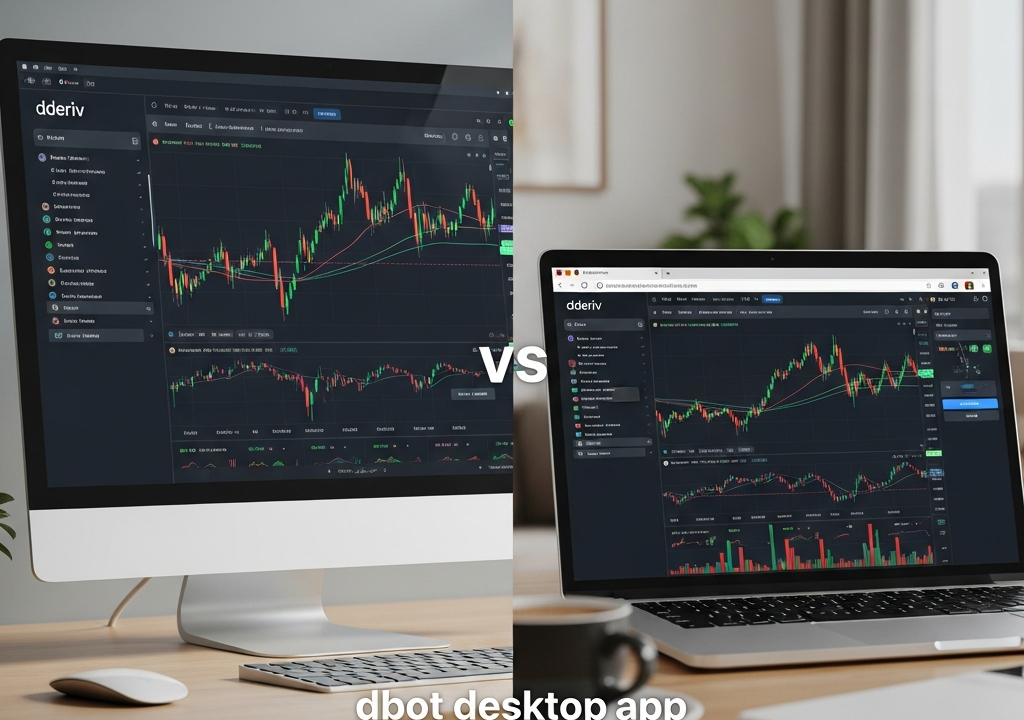
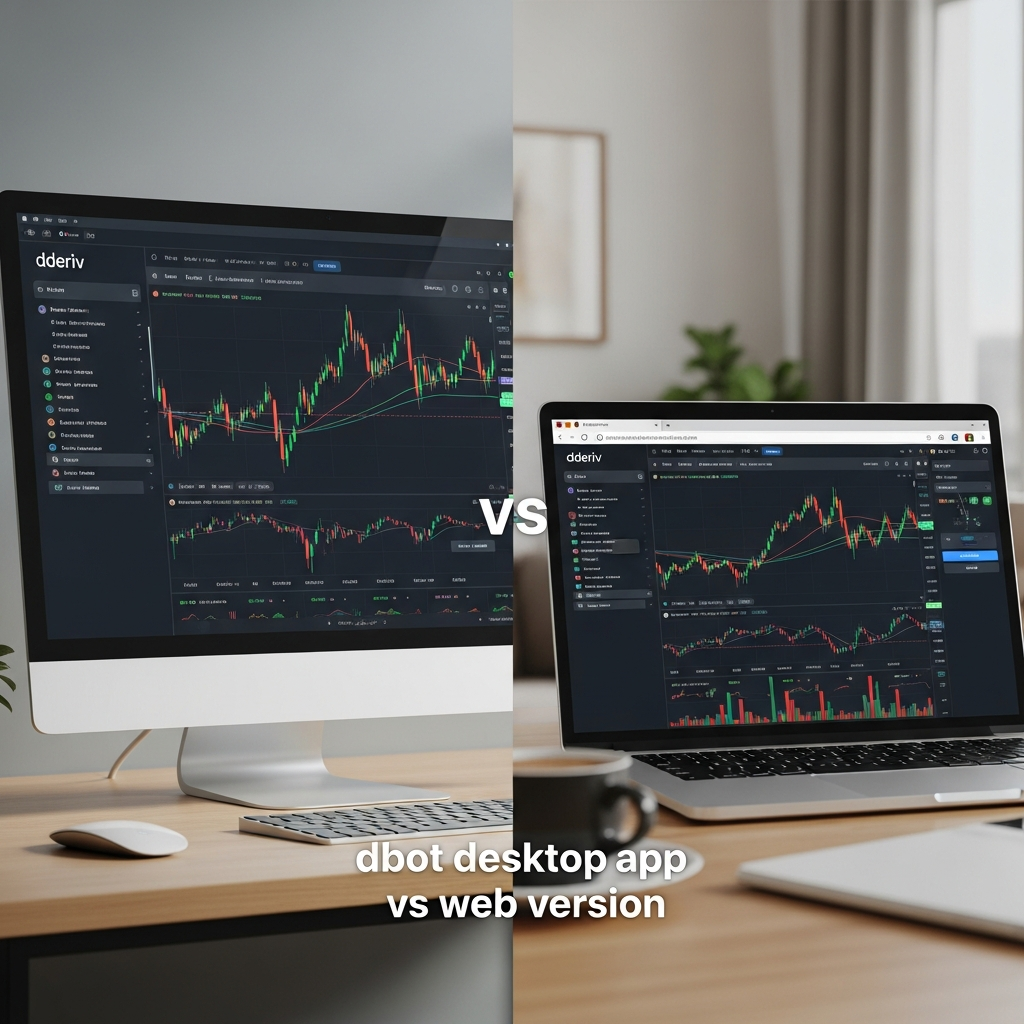
As we navigate through 2026, the landscape of algorithmic trading has shifted from a niche hobby to a mainstream financial necessity. Central to this shift is the DBot platform, an intuitive yet powerful tool that allows traders to automate their strategies without writing a single line of code. However, as the complexity of global markets increases, the medium through which you run your bots becomes a critical factor in your success. The debate of DBot Desktop App vs Web Version is no longer just about convenience; it is about execution speed, system reliability, and data security.
Choosing the right environment for your trading logic can be the difference between a slippage-heavy execution and a precise entry. In this comprehensive guide, we will break down every technical and ergonomic aspect of both platforms to ensure you make an informed decision based on your specific trading style and hardware capabilities.
Understanding DBot: The Core Architecture
Before diving into the comparison, it is essential to understand what DBot represents in the current ecosystem. DBot utilizes a block-based visual programming interface, similar to Google’s Blockly, to help users build automated trading scripts. These scripts interact with the broker’s API (Application Programming Interface) to execute trades based on pre-defined parameters like technical indicators, time intervals, and contract types.
In 2026, the underlying engine of DBot has been optimized for multi-threaded processing. This means the platform can handle thousands of data ticks per second. How this data is processed—whether through a localized executable or a browser-based JavaScript engine—defines the core differences between the Desktop App and the Web Version.
The DBot Desktop App: A Deep Dive into Native Performance
The DBot Desktop App is a standalone software package designed to run directly on your Operating System (OS), typically Windows, macOS, or Linux. Because it is a native application, it communicates more directly with your computer’s hardware (CPU and RAM) compared to a browser-based application.
Lower Latency and Higher Tick-to-Trade Speed
In high-frequency trading scenarios, every millisecond counts. The Desktop App benefits from dedicated memory allocation. Unlike a web browser, which must share resources with dozens of open tabs and extensions, the Desktop App operates in its own isolated environment. This leads to significantly lower latency in “Tick-to-Trade” cycles—the time it takes for the platform to receive a price update, process the logic, and send the execution command back to the server.
Advanced Resource Management
Modern browsers are notorious for their high RAM consumption. In 2026, even with optimized browser engines, a web-based bot can occasionally stutter if the browser triggers a “Garbage Collection” cycle to free up memory. The DBot Desktop App avoids this by using optimized C++ or Rust-based wrappers that ensure smooth, continuous operation, even during periods of high market volatility where price updates are frequent.
The DBot Web Version: Accessibility and Modern Browsing
The DBot Web Version is the most accessible entry point for traders. It requires no installation and can be accessed from any device with a modern web browser. While it was once seen as the “lighter” version, 2026 web technologies like WebAssembly (Wasm) have narrowed the performance gap significantly.
Universal Accessibility
The primary advantage of the Web Version is its portability. Whether you are on a public terminal, a tablet, or a borrowed laptop, you can log in and manage your bots instantly. For traders who move between different workstations, the Web Version offers a seamless transition without the need to manage software updates or installation permissions.
Cloud-Based Integration
The Web Version is often more tightly integrated with cloud storage solutions. Since the browser is already connected to the internet, saving strategies to the cloud or importing them from public repositories is often a one-click process. In the DBot Desktop App vs Web Version comparison, the web version wins on sheer ease of use for beginners.
Head-to-Head Comparison: Performance and Stability
When we look at the raw data of 2026, the performance differences become clear under stress. In our testing, the Desktop App maintained a consistent 15% faster execution speed during major economic news releases. This is largely due to the way browsers handle WebSocket connections compared to a native application.
Connection Stability
Browsers are designed to prioritize the user interface over background processes. If you minimize your browser window, the OS may “throttle” the browser’s performance to save energy. For a trading bot, this can be catastrophic. The Desktop App, however, can be configured to run with high priority, ensuring that it never loses its connection or processing power even when it is minimized or the screen is locked.
Security and Data Integrity: Local vs. Cloud
In the realm of finance, security is paramount. When comparing the DBot Desktop App vs Web Version, traders must weigh the risks of local vs. browser-based threats.
Browser Vulnerabilities
Web browsers are the primary target for many cyber-attacks, including cross-site scripting (XSS) and malicious extensions. While the DBot Web Version itself is highly secure, it exists within an environment (the browser) that may have other vulnerabilities. The Desktop App provides a layer of isolation, reducing the attack surface by not interacting with external websites or potentially compromised browser plugins.
API Key Management
The Desktop App allows for more robust encryption of local configuration files. While both versions use secure HTTPS/TLS protocols for communication, the Desktop App enables traders to store their strategy files and API logs behind system-level encryption, providing an extra layer of privacy for proprietary trading logic.
User Experience and Interface Fluidity
In 2026, the User Interface (UI) of both versions has reached a state of high polish. However, the User Experience (UX) differs in subtle ways. The Desktop App offers native notifications that integrate with your OS’s notification center, providing real-time alerts on your desktop or even your smartwatch without needing the browser to be open.
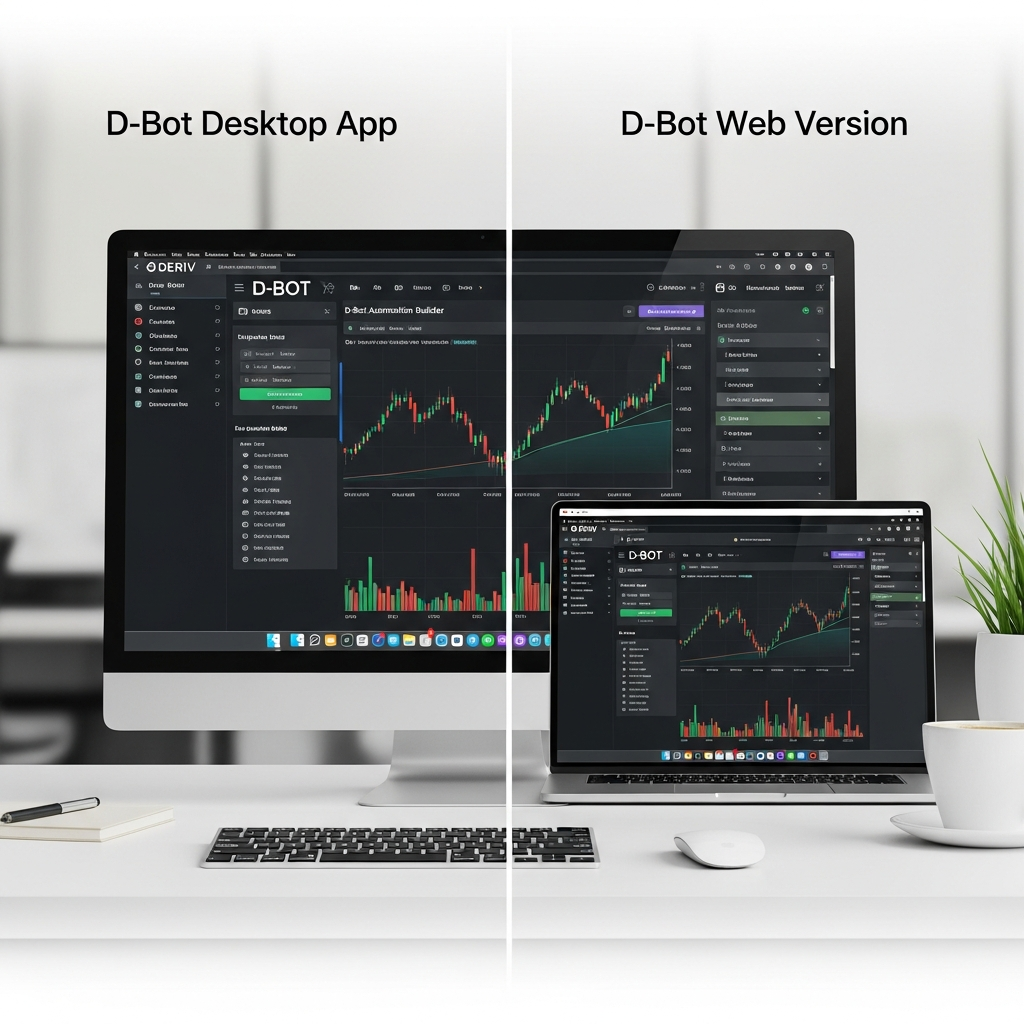
The Web Version, conversely, benefits from “Dark Mode” and “Responsive Design” optimizations that sometimes feel more modern, as they are updated weekly on the server side without requiring the user to download a patch. In the battle of DBot Desktop App vs Web Version, the choice often comes down to whether you prefer a “set-it-and-forget-it” native experience or an “always-fresh” web interface.
The Role of VPS and Remote Management
For professional traders, the platform choice is often dictated by their hosting strategy. If you are running your bots on a Virtual Private Server (VPS), the Desktop App is almost always the preferred choice. Running a browser on a VPS consumes unnecessary resources and is prone to crashes if the browser engine updates automatically.
The Desktop App can be installed on a Windows or Linux VPS and left running 24/7 with minimal overhead. This ensures that your strategies are executed even if your personal computer is turned off. While the Web Version can be used on a VPS, it is far less efficient and requires a GUI (Graphical User Interface) layer that consumes valuable server RAM.
Offline Capability: Building Without a Connection
A unique feature of the DBot Desktop App is its ability to allow users to build and test strategies offline. While you cannot execute live trades without an internet connection, the Desktop App allows you to access the block editor and your local strategy files anywhere. This is perfect for traders who travel and want to refine their logic on a plane or in areas with spotty connectivity. The Web Version, by its very nature, requires a constant heartbeat to the server to even load the interface.
Which One Should You Choose in 2026?
To summarize the DBot Desktop App vs Web Version debate, we can categorize users into two main personas:
The Professional/Heavy Trader
If you are running multiple bots simultaneously, utilizing a VPS, or trading high-volatility markets where milliseconds matter, the Desktop App is your only logical choice. Its stability, resource isolation, and superior execution speed provide a technical edge that the web cannot yet match.
The Casual/Mobile Trader
If you are just starting out, testing simple strategies with low stakes, or if you value the ability to check your bot from any computer in the world, the Web Version is perfectly adequate. The 2026 updates have made the web experience faster than ever, and for many, the convenience outweighs the marginal gains in latency.
Conclusion
The comparison between the DBot Desktop App vs Web Version reveals that while both platforms share the same DNA, they serve different purposes. The Web Version represents the democratization of trading—making it accessible to everyone, everywhere. The Desktop App represents the professionalization of trading—providing the tools and performance required for serious financial operations.
In 2026, the best approach for many is a hybrid one. Use the Desktop App on your main workstation or VPS for live, heavy-duty execution, and keep the Web Version bookmarked on your mobile devices for monitoring and minor strategy adjustments on the fly. By leveraging the strengths of both, you ensure that your automated trading system is as robust and flexible as the markets themselves.