The Evolution of Algorithmic Trading: Deriv Bot API Integration for Desktop
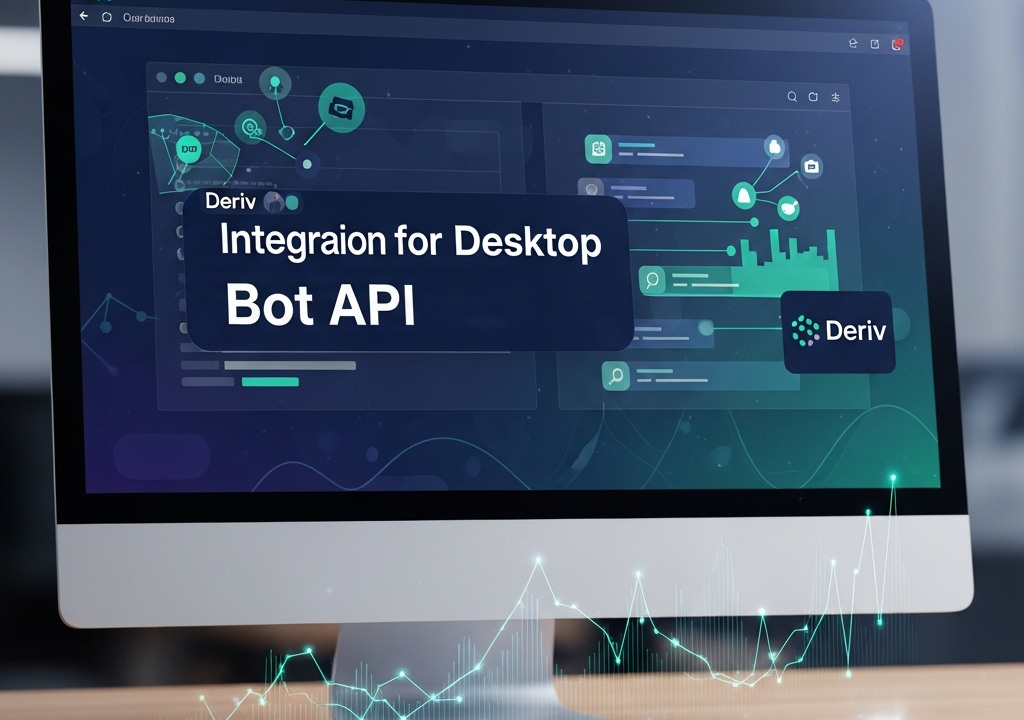
In the fast-paced world of financial markets, 2026 has marked a significant shift in how retail traders approach automation. While web-based platforms offer convenience, professional traders are increasingly moving toward localized solutions. A Deriv Bot API integration for desktop provides unparalleled control, reduced latency, and the ability to build sophisticated user interfaces that web browsers simply cannot match. This guide delves deep into the architecture, implementation, and optimization of a desktop-based trading bot using the Deriv API.
Why Choose Desktop over Web in 2026?
Web-based bots are often subject to browser resource limitations and session timeouts. By shifting to a desktop environment, you gain direct access to system memory and multi-threading capabilities. This is crucial for high-frequency trading or strategies that require processing vast amounts of historical data in real-time. Moreover, a desktop application allows for tighter security measures, such as local encryption of API tokens and direct hardware-level networking optimizations.
Understanding the Deriv API Architecture
Before writing a single line of code, it is essential to understand that Deriv’s API operates primarily on the WebSocket protocol. Unlike traditional REST APIs that follow a request-response cycle, WebSockets maintain a persistent, open connection between your desktop client and the Deriv servers. This allows for real-time price streaming (ticks) and immediate order execution without the overhead of repeated HTTP handshakes.
Key Components of the Integration
- App ID: Your unique identifier registered on the Deriv developer portal.
- API Token: A secure string that grants your application permission to perform actions like reading account data or placing trades.
- JSON Payloads: Every message sent to and received from the server is formatted in JSON, making it language-agnostic.
Setting Up Your Development Environment
To begin your Deriv Bot API integration for desktop, you need to select a technology stack that supports WebSocket communication and local UI rendering. In 2026, the most popular choices are Python (using PyQt or Tkinter), Node.js (via Electron), or C# (.NET MAUI). For this guide, we will focus on a Python-based approach due to its extensive library support for data analysis and machine learning.
Required Libraries
You will need the following libraries installed in your environment:
websockets: For handling the persistent connection.asyncio: To manage asynchronous operations without blocking the UI.pandas: For data manipulation and technical indicator calculation.json: For parsing server responses.
Step-By-Step Integration Logic
1. Establishing the Connection
The first step is creating a secure WebSocket connection. The Deriv API endpoint for 2026 remains wss://ws.binaryws.com/websockets/v3. You must pass your App ID as a query parameter. Using Python’s asyncio, you can create a handler that listens for incoming messages while simultaneously sending heartbeats to keep the connection alive.
2. Authentication
Once the connection is open, you must authenticate. Sending an authorize request with your API token is the gateway to trading. It is a best practice to never hardcode these tokens; instead, use environment variables or encrypted local configuration files.
3. Subscribing to Market Data
Real-time trading requires real-time data. You can subscribe to specific symbols (e.g., Volatility 100 (1s) Index) to receive continuous tick updates. Your desktop application should parse these ticks and store them in a local buffer for analysis.
Building the Strategy Engine
The core of your bot is the strategy engine. This is where the Deriv Bot API integration for desktop truly shines. Unlike simple web bots, your desktop application can run complex mathematical models or even local AI inference to decide when to enter a trade.
Implementing Technical Indicators
Using libraries like TA-Lib or custom Python logic, you can calculate indicators such as the Relative Strength Index (RSI), Moving Averages, or Bollinger Bands. Because the data is being processed locally on your machine, you can recalculate these indicators every millisecond without worrying about browser lag.
Order Execution and Management
When your strategy identifies a signal, the bot sends a buy or sell command via the WebSocket. The API returns a contract ID, which your desktop app should monitor. Implementing a ‘Stop Loss’ and ‘Take Profit’ locally ensures that even if the server connection drops briefly, your bot knows exactly when to close a position upon reconnection.
Designing a Professional Desktop Interface
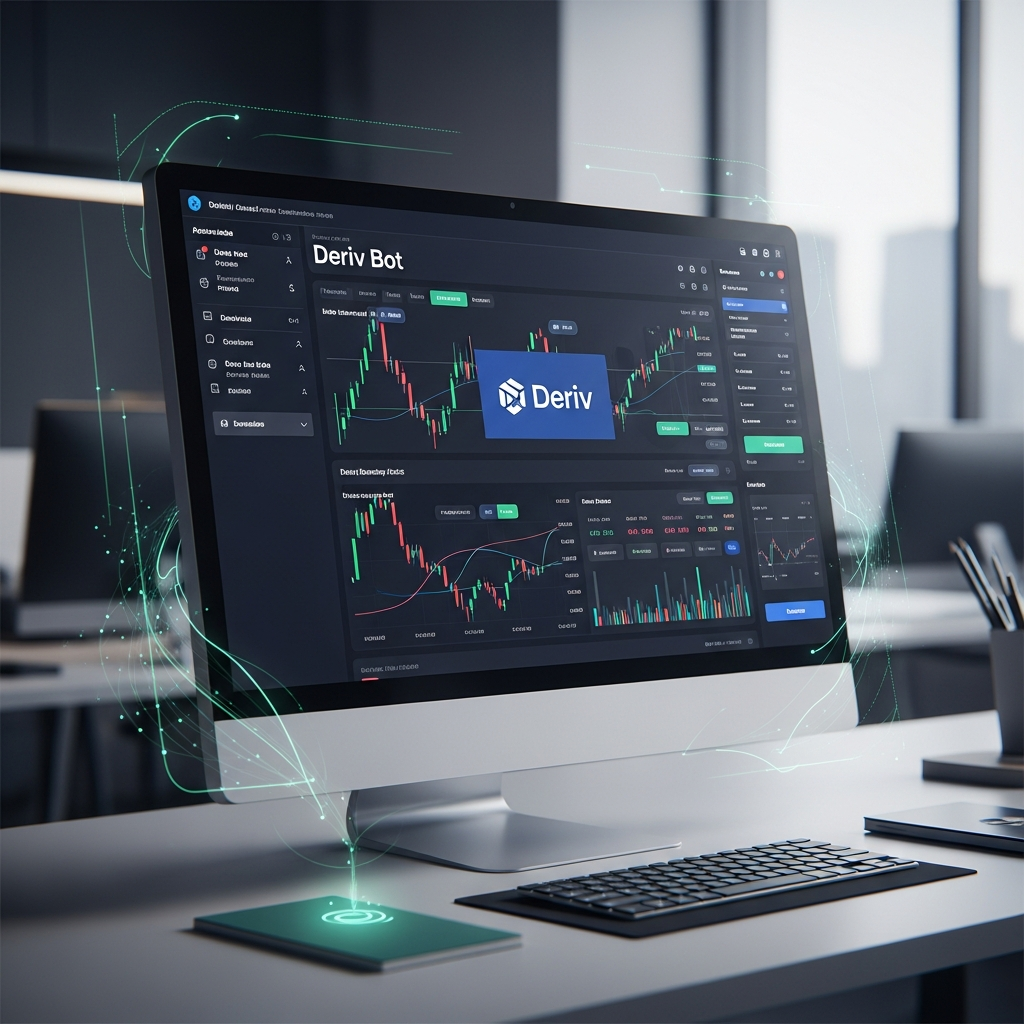
A headless script is fine for testing, but a professional Deriv Bot API integration for desktop requires a robust User Interface (UI). In 2026, traders demand visual clarity and rapid access to controls.
Visualizing Real-Time Data
Integrating a charting library like Lightweight Charts (from TradingView) or Plotly into your desktop app allows you to see the bot’s logic in action. You can overlay your entry points and exit points directly on the price candles, providing a clear audit trail of the bot’s performance.
The Dashboard Layout
A well-designed dashboard should include:
- Account Overview: Real-time balance and open profit/loss.
- Log Terminal: A scrollable area showing raw API responses and internal bot logic.
- Manual Overrides: Buttons to ‘Panic Sell’ or ‘Pause Bot’ immediately.
- Configuration Panel: Fields to adjust stake sizes, risk parameters, and strategy sensitivity.
Advanced Features for 2026
As we move further into 2026, several advanced features have become standard for high-end desktop trading integrations.
Local Machine Learning Integration
By hosting a local model (using TensorFlow or PyTorch), your bot can analyze market sentiment or historical patterns without sending data to external servers. This preserves your intellectual property and reduces the time between signal generation and execution.
Multi-Account Management
The Deriv API allows for multiple tokens. A desktop app can easily manage parallel WebSocket connections, allowing you to trade across different accounts or strategies simultaneously, aggregating the results into a single master view.
Security and Risk Mitigation
When you build a Deriv Bot API integration for desktop, security becomes your responsibility. In 2026, cyber threats are more sophisticated, making localized security paramount.
Encrypting Sensitive Information
Always encrypt your API tokens using AES-256 before storing them on disk. Use the user’s system password or a hardware security key (like a YubiKey) as a decryption trigger. This prevents unauthorized access even if your computer is compromised.
Handling Rate Limits and Errors
Deriv’s API has strict rate limits to ensure server stability. Your desktop bot must implement ‘Exponential Backoff’ logic. If the server returns an error code (e.g., ‘RateLimitExceeded’), your bot should automatically wait for an increasing duration before retrying. This prevents your App ID from being temporarily blacklisted.
Testing: Sandbox vs. Real Accounts
Before deploying capital, utilize Deriv’s ‘Demo’ account environment. Your desktop integration should have a simple toggle switch to change the API endpoint or token type from ‘Demo’ to ‘Real’. This allows for rigorous backtesting and forward-testing in a risk-free environment. In 2026, the best practice is to run a bot for at least 100 hours on a demo account with simulated latency to ensure the local execution logic is sound.
The Conclusion: Taking Control of Your Trading
Mastering the Deriv Bot API integration for desktop is a journey from being a passive trader to becoming a systems architect. By moving away from the constraints of web interfaces, you unlock the full potential of your hardware and the Deriv ecosystem. Whether you are building a simple trend-follower or a complex AI-driven execution engine, the desktop environment provides the stability, speed, and security required for modern financial success.
As we look toward the remainder of 2026 and beyond, the gap between retail and institutional tools continues to close. By following the steps outlined in this guide, you are not just building a bot; you are building a professional-grade trading terminal tailored to your specific needs.