Introduction to Optimizing Your Trading with PointZero EAs
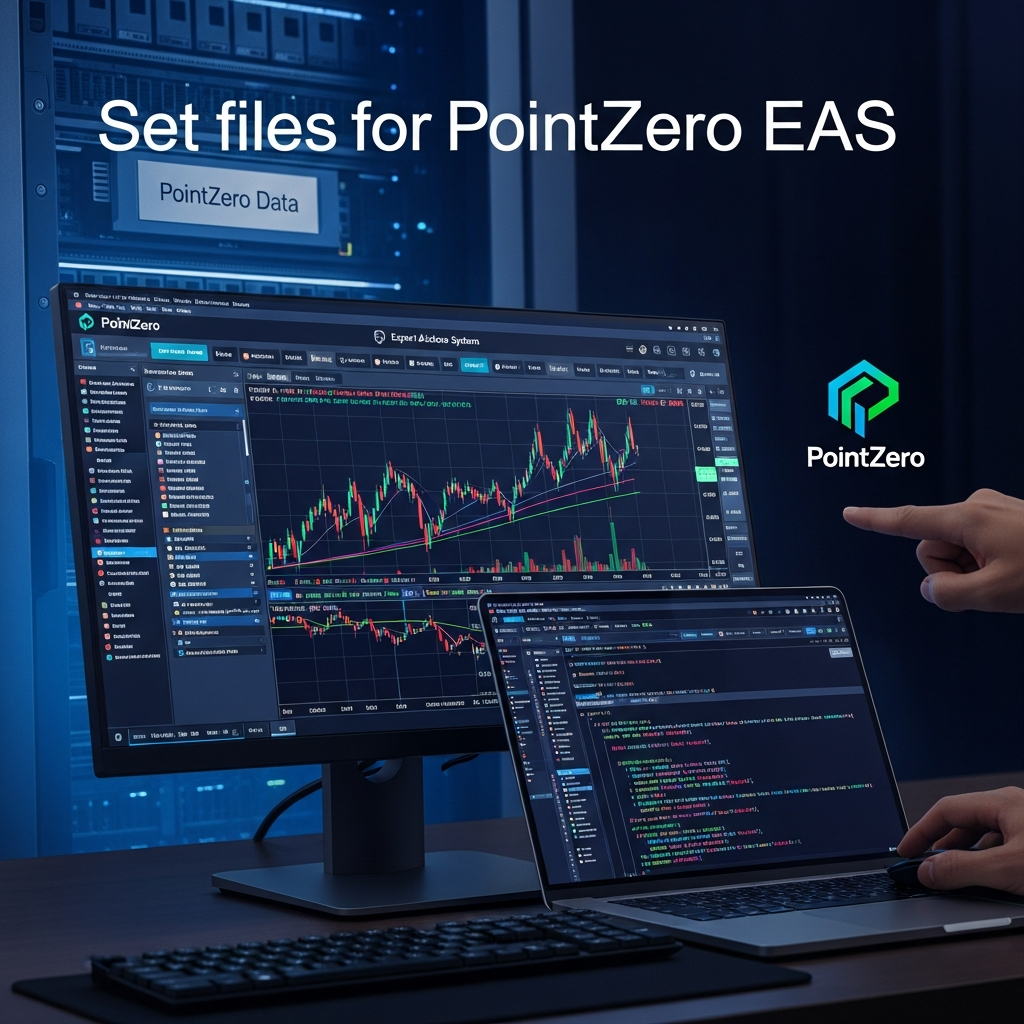
In the rapidly evolving financial landscape of 2026, algorithmic trading has transitioned from a niche advantage to a fundamental necessity for serious traders. Among the most respected names in the development of automated trading tools is PointZero Trading. Known for their robust algorithms and mathematical precision, PointZero Expert Advisors (EAs) have helped thousands of traders navigate the complexities of the Forex and CFD markets. However, the performance of even the most sophisticated EA is heavily dependent on its configuration. This is where set files for pointzero eas become the critical bridge between software potential and real-world profitability.
A set file, or a configuration file with the .set extension, is essentially a roadmap for your trading bot. It tells the EA which risk parameters to follow, which indicators to prioritize, and how to react to specific market conditions. As we move through 2026, the markets have become more volatile and data-driven, making the standard ‘out-of-the-box’ settings less effective than custom-tailored configurations. This guide provides a deep dive into mastering these files to ensure your PointZero tools are performing at their peak.

What Exactly are Set Files for PointZero EAs?
To the uninitiated, a set file might look like a simple text document, but in the context of MetaTrader 4 (MT4) or MetaTrader 5 (MT5), it represents the DNA of your strategy. When you load a PointZero EA—such as the PZ Gold Master, PZ Trend Trading, or the PZ Breakout EA—you are presented with a long list of input parameters. These include everything from ‘Lot Size’ and ‘Stop Loss’ to complex mathematical variables like ‘ATR Period’ or ‘Signal Sensitivity.’
Manually entering these values every time you switch charts or restart your terminal is not only tedious but prone to human error. A set file allows you to save your optimized configuration and reload it instantly. For PointZero users, these files are indispensable because PointZero EAs are famously flexible, offering dozens of customizable inputs that can drastically change the bot’s behavior depending on the asset class and timeframe.
The Anatomy of a High-Performing Set File
In 2026, high-performing set files are no longer just about picking a static stop loss. They are dynamic. A modern set file for a PointZero EA typically focuses on three core pillars:
- Risk Management: This includes fixed fractional position sizing, drawdown limits, and equity protection triggers.
- Entry Logic: Fine-tuning the filters that prevent the EA from entering ‘noisy’ or low-probability markets.
- Exit Logic: Optimizing trailing stops and break-even levels to lock in profits in a high-frequency environment.
How to Load and Save Set Files in MT4 and MT5
Understanding how to handle these files technically is the first step toward professional automation. Whether you have downloaded a community-optimized set file or created your own after hours of backtesting, the process is straightforward.
Loading a Set File
- Open your MetaTrader terminal and attach your PointZero EA to a chart.
- In the ‘Inputs’ tab of the EA properties window, click the ‘Load’ button.
- Navigate to your folder where the .set file is stored.
- Select the file and click ‘Open.’ You will see the input values change instantly.
- Click ‘OK’ to start the EA with the new settings.
Saving Your Custom Configurations
Once you have tweaked a PointZero EA to perform perfectly on a specific pair (for example, EUR/USD on a 15-minute chart), you must save it. Click the ‘Save’ button in the Inputs tab, name it clearly (e.g., “PZ_Trend_EURUSD_M15_LowRisk_2026”), and store it in the MQL4/MQL5 ‘Presets’ folder for easy access.
Optimizing Set Files for the 2026 Market Environment
The markets in 2026 are characterized by rapid liquidity shifts and AI-driven volatility. Using set files created in 2022 or 2026 without adjustment is a recipe for drawdown. PointZero EAs are designed to be ‘future-proof,’ but they require the user to provide the right context through their set files.
Adapting to Higher Volatility
Modern markets often experience ‘flash’ moves. When configuring your set files, consider increasing the ‘ATR’ (Average True Range) multipliers for your stop losses. This gives the trade more room to breathe during sudden spikes. Conversely, your ‘Take Profit’ targets should be realistic, aiming for high-probability liquidity zones rather than ‘moon-shot’ targets that rarely get hit in choppy conditions.
The Role of News Filters
Many PointZero EAs come with built-in news filters. In 2026, news events are more frequent and impactful. Ensure your set files have the ‘Filter News’ option set to true, and calibrate the ‘Minutes Before/After’ settings to protect your capital during high-impact releases like Central Bank interest rate decisions or employment data.
Where to Find Reliable Set Files for PointZero EAs
Finding the right settings can be a daunting task. There are several avenues to explore when looking for the best set files for pointzero eas:
1. The Official PointZero Trading Community
The first stop should always be the PointZero Trading website. They often provide ‘default’ optimized sets for major currency pairs. These are conservative, stable, and serve as an excellent baseline for your own modifications.
2. User Forums and MQL5 Market
The MQL5 community is a goldmine for set files. Many experienced traders share their backtest results and corresponding set files for popular PointZero EAs. However, a word of caution: always perform your own backtest before using a file from a third party. What worked for their risk appetite might not work for yours.
3. Manual Optimization (The Professional Way)
To truly excel in 2026, you should learn to use the MetaTrader Strategy Tester. By running an ‘Optimization’ pass, you can let the terminal test thousands of combinations of inputs to find the most profitable and stable set file for the current year’s data.
Advanced Configuration: Risk vs. Reward
The most important part of any set file for PointZero EAs is the risk management section. PointZero EAs often offer multiple risk modes: Fixed Lot, Percent of Equity, or Martingale/Grid (use with extreme caution). For 2026, we recommend a Percent of Equity approach, typically risking no more than 1-2% per trade. This allows your position sizes to scale as your account grows while protecting you during inevitable losing streaks.
Setting Equity Protectors
Modern PointZero EAs include global profit and loss targets. In your set file, you should define a ‘Daily Loss Limit.’ For instance, if your account drops by 5% in a single day, the EA should automatically close all trades and stop trading. This ‘hard stop’ is your insurance policy against black swan events.
Backtesting and Validation
Before any set file touches a live account, it must survive the gauntlet of a backtest. In 2026, we utilize ‘Every Tick Based on Real Ticks’ in MT5 to get the most accurate simulation. When you load your set file into the Strategy Tester, look for the following metrics:
- Profit Factor: Aim for a value above 1.5.
- Max Drawdown: Ensure this is within your comfort zone (e.g., under 20%).
- Recovery Factor: This measures how quickly the EA recovers from a loss. A higher number indicates a more resilient strategy.
Common Pitfalls When Using Set Files
Even with the best set files for pointzero eas, traders often make mistakes that lead to losses. Avoid these common traps:
- Over-Optimization (Curve Fitting): Don’t try to make the backtest look perfect. A set file that looks like a straight line up in a backtest often fails in live markets because it was tuned too specifically to past data.
- Wrong Timeframe: Many PointZero EAs are timeframe-specific. If a set file was designed for the H1 chart, loading it on a M5 chart will likely result in a disaster.
- Ignoring Spreads: Ensure your set file accounts for the spreads and commissions of your specific broker. A strategy that works on a zero-spread demo account might lose money on a high-spread live account.
Conclusion
Mastering set files for pointzero eas is a journey, not a destination. As the markets of 2026 continue to shift, your ability to adapt, optimize, and manage your configuration files will be your greatest asset. PointZero Trading provides the engine, but the set file is the driver that determines whether you reach your financial destination.
Start by using the official settings, learn the nuances of the Strategy Tester, and always prioritize risk management over raw profit. With the right set files, your PointZero EAs can become a powerful, hands-free component of your overall investment portfolio. Remember, the most successful traders aren’t those with the fastest ‘get-rich-quick’ bots, but those who meticulously refine their settings to stay ahead of the curve.