
The Evolution of Risk Management: Why You Need a Trailing Stop Loss EA Free MT4
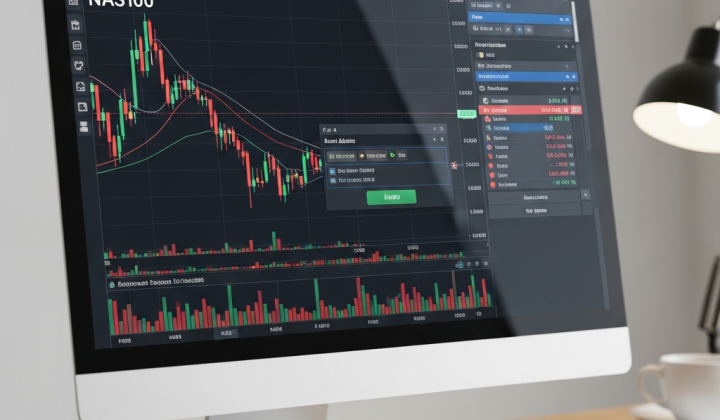
In the fast-paced trading landscape of 2026, the difference between a profitable trader and one who constantly struggles often comes down to a single factor: trade management. While many focus on entry signals, professional traders know that how you exit a trade defines your equity curve. This is where the trailing stop loss ea free mt4 comes into play as an essential tool for any serious participant in the Forex, commodity, or indices markets.
MetaTrader 4 (MT4), despite being a veteran platform, remains the go-to choice for millions because of its flexibility and the vast ecosystem of Expert Advisors (EAs). A trailing stop is a dynamic stop-loss order that follows the price as it moves in your favor. Unlike a standard stop loss, which remains static at a specific price level, a trailing stop moves up (in a long position) or down (in a short position) according to pre-defined parameters. Utilizing an automated EA to handle this task removes the emotional burden and the need for 24/7 monitoring.
Understanding the Mechanics of an Automated Trailing Stop
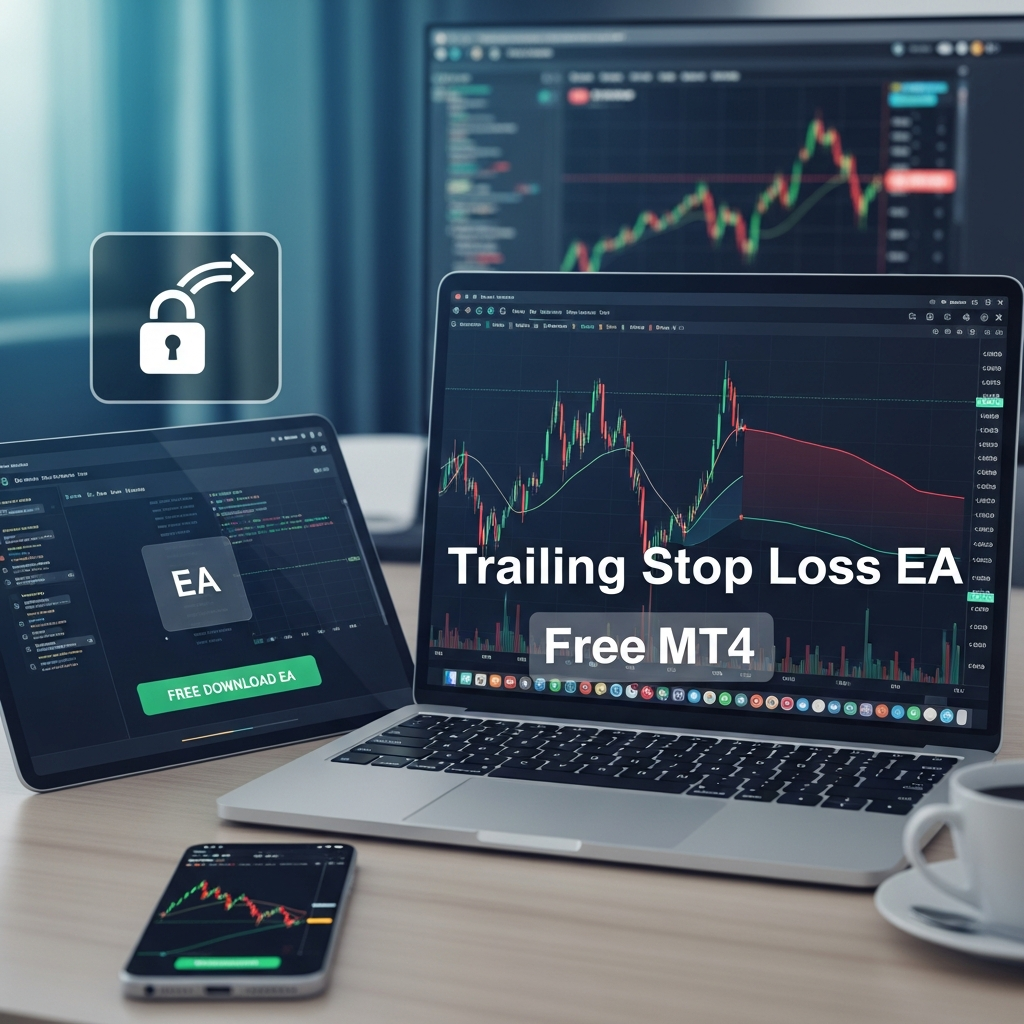
To appreciate why a trailing stop loss ea free mt4 is so valuable, we must first understand how it functions compared to the built-in MT4 trailing stop feature. The default MT4 trailing stop only works when your terminal is open and connected to the broker’s server. Furthermore, it is often limited in its logic—usually only trailing by a fixed number of points once the trade is in profit by that same amount.
A specialized EA, however, offers much more sophisticated logic. In 2026, modern free EAs allow traders to set ‘Trail Steps,’ ‘Trail Start’ levels, and even base the trailing logic on technical indicators rather than just price distance. For instance, a trader might want the stop loss to trail the price only after the trade has reached a 20-pip profit, and then move in 5-pip increments. This level of granularity is what separates a basic script from a professional-grade EA.
Key Features to Look for in a Free Trailing Stop EA
When searching for a trailing stop loss ea free mt4, you shouldn’t settle for the first one you find. High-quality free tools in the MQL community often include features that were once reserved for premium software. Here are the non-negotiables for 2026:
- Break-Even Functionality: The ability to move the stop loss to the entry price (plus spread) once a certain profit target is hit. This ensures a ‘risk-free’ trade early on.
- Multiple Trailing Methods: Look for EAs that offer fixed pips, ATR-based (Average True Range) trailing, or Parabolic SAR-based trailing.
- Partial Closing: The best EAs allow you to close a percentage of your position (e.g., 50%) when the first target is hit, while the trailing stop manages the remaining half.
- Stealth Mode: Some EAs offer ‘virtual’ or ‘hidden’ stops that are not visible to the broker, preventing ‘stop hunting’ in volatile market conditions.
- Timer/Session Filters: The ability to disable trailing during high-impact news events or outside of specific trading sessions (like the London/New York overlap).
The Strategic Advantage of ATR-Based Trailing
In 2026, market volatility remains a constant challenge. Using a fixed pip trailing stop can often result in being stopped out too early during minor retracements. This is why many professional traders prefer an ATR-based trailing stop loss ea free mt4. The Average True Range (ATR) indicator measures market volatility over a set period.
By using an ATR multiplier (for example, 2.0 x ATR), the EA adjusts the distance of the stop loss based on how the market is actually moving. If the market is calm, the stop stays closer. If volatility spikes, the EA widens the stop to give the trade ‘room to breathe.’ This intelligent adaptation is a hallmark of sophisticated risk management that free MT4 tools can now provide.
How to Install and Configure Your Trailing Stop EA on MT4
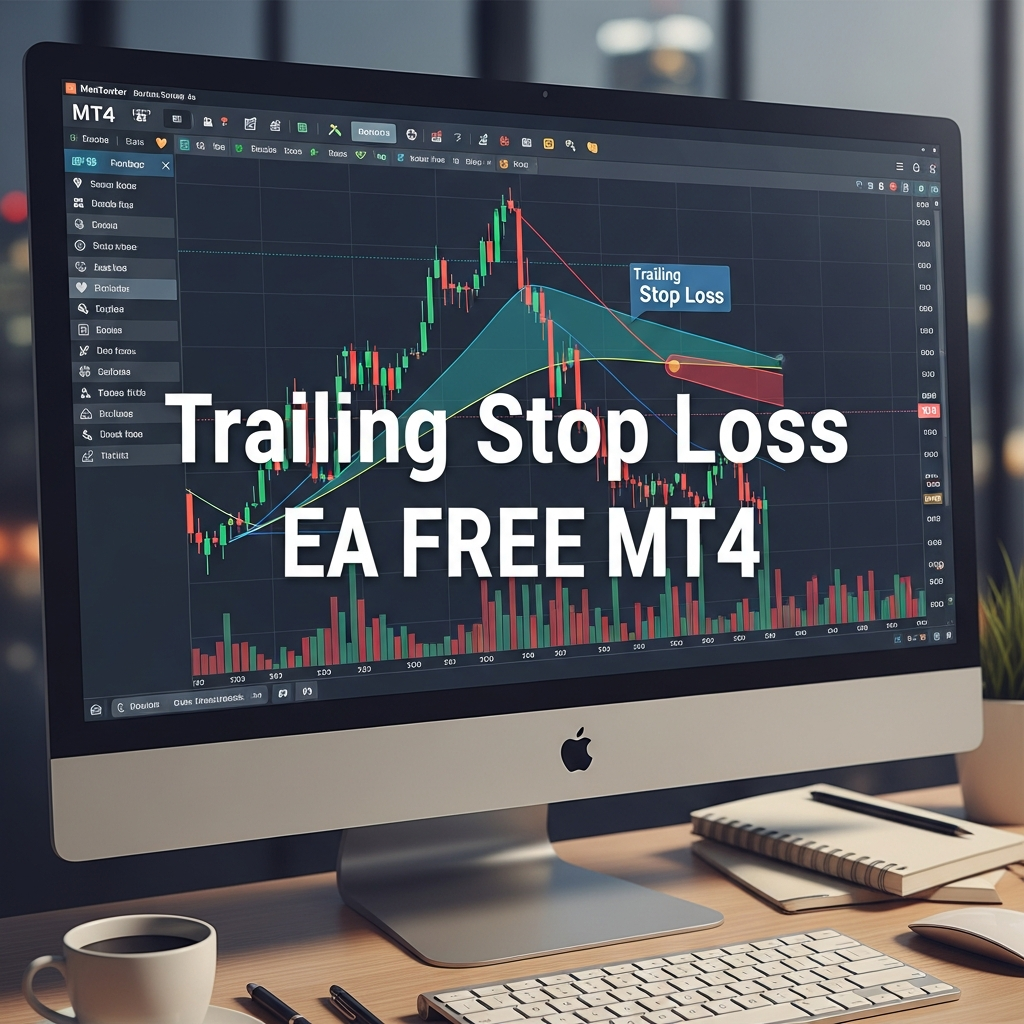
Getting your trailing stop loss ea free mt4 up and running is a straightforward process, but it requires attention to detail to ensure it functions correctly during live market hours. Follow these steps:
Step 1: Installation
Once you have downloaded the .ex4 or .mq4 file, open your MT4 terminal. Go to File > Open Data Folder. Navigate to the MQL4 > Experts folder and paste your EA file here. Restart your MT4 or right-click ‘Experts’ in the Navigator panel and select ‘Refresh’.
Step 2: Enabling Automated Trading
Before dragging the EA onto your chart, ensure that the ‘Auto Trading’ button at the top of the MT4 interface is toggled to green. Additionally, when you drag the EA onto a chart, go to the ‘Common’ tab in the pop-up window and check the box that says ‘Allow live trading’.
Step 3: Configuring Inputs
This is where you define your strategy. Common inputs include:
- TargetProfit: When the trailing should begin.
- TrailingStop: The distance to maintain from the current price.
- TrailingStep: How often the stop should update (to prevent constant server requests).
- MagicNumber: A unique ID that allows the EA to identify which trades it should manage. If set to 0, it usually manages all manual trades on that pair.
The Role of a VPS in 2026 Trading
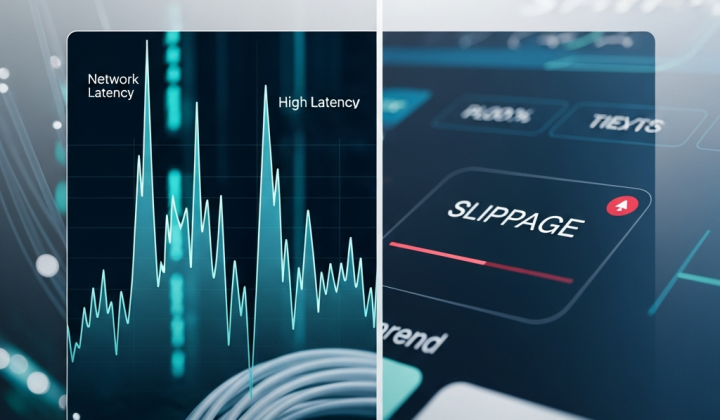
While a trailing stop loss ea free mt4 is a powerful ally, it is only as good as the connection it runs on. Because MT4 EAs run locally on your machine, if your computer shuts down or your internet flickers, the EA stops managing your trades. In 2026, the use of a Virtual Private Server (VPS) has become standard practice even for retail traders. A VPS allows your MT4 terminal to run 24/7 on a remote server with ultra-low latency to your broker, ensuring your trailing stop is always active, regardless of your local hardware status.
Common Pitfalls and How to Avoid Them
Even with a robust trailing stop loss ea free mt4, traders can make mistakes that lead to unexpected losses. One common error is setting the trailing stop too tight. In the 2026 Forex market, ‘noise’ or minor fluctuations of 5-10 pips are common. If your trailing stop is only 5 pips away, you will likely be stopped out before the main trend has a chance to develop.
Another pitfall is ignoring the spread. Your stop loss is triggered by the ‘Bid’ price for long positions and the ‘Ask’ price for short positions. If you don’t account for the spread in your trailing distance, you might find your trade closed prematurely during periods of low liquidity when spreads widen, such as the daily rollover at 5 PM EST.
Manual vs. Automated Trailing: The Psychological Shift
The greatest benefit of using a trailing stop loss ea free mt4 is not just the technical precision, but the psychological relief. Human beings are biologically wired to be ‘loss averse.’ We tend to hold onto losing trades too long, hoping they will return to break even, and we cut winning trades too short out of fear that the profit will disappear. An EA has no such bias. It follows the logic you programmed, allowing you to ‘set and forget’ your trades, which is the key to longevity in this industry.
Testing Your EA: Backtesting and Demo Accounts
Before letting any trailing stop loss ea free mt4 manage your hard-earned capital, you must put it through its paces. Use the MT4 Strategy Tester to see how the EA would have performed over the last year of price data. Pay attention to the ‘maximum drawdown.’ Once satisfied with the backtest, run the EA on a demo account for at least two weeks. This will help you understand how it handles real-time slippage, spreads, and different market sessions.
The Future of MT4 Automation in 2026 and Beyond
As we move further into 2026, the lines between retail and institutional tools continue to blur. The availability of a high-quality trailing stop loss ea free mt4 is a testament to the democratization of trading technology. While MetaTrader 5 has gained ground, the MT4 community’s dedication to open-source and free utility EAs keeps the platform relevant. By integrating an automated trailing stop into your workflow, you are not just using a script; you are adopting a systematic approach to wealth preservation.
In conclusion, a trailing stop EA is an indispensable component of a modern trading strategy. It protects your downside while giving your upside the freedom to grow. Whether you are a scalper, day trader, or swing trader, finding the right free tool and configuring it to your specific risk tolerance is one of the most productive steps you can take for your trading career this year. Remember, in the markets, you can’t control the price, but you can always control your risk.