The Evolution of Automated Trading: Why Cloud Hosting is No Longer Optional
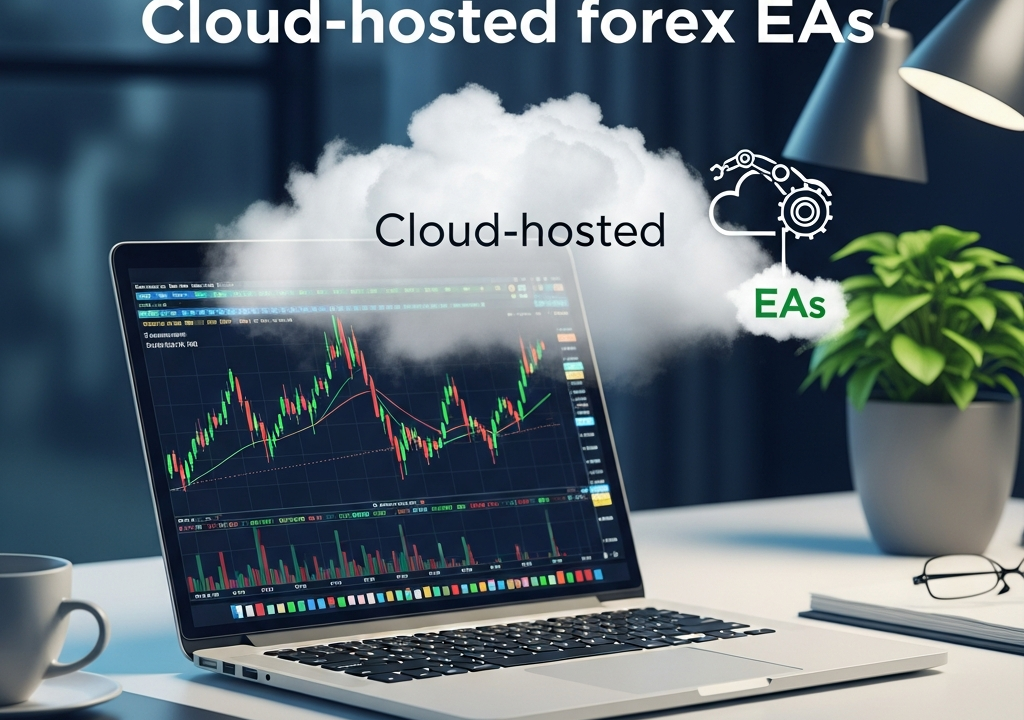
In the fast-paced world of the foreign exchange market, speed and reliability are the twin pillars of success. For years, retail traders relied on running their Expert Advisors (EAs) on personal home computers. However, as we move through 2026, the landscape has fundamentally shifted. The rise of cloud-hosted forex EAs has transitioned from a professional luxury to a retail necessity.
An Expert Advisor is essentially a piece of software that automates trading decisions based on predefined parameters. While the logic of the EA is crucial, the environment in which it executes is equally important. Cloud hosting provides a stable, high-speed, and secure infrastructure that a standard home setup simply cannot match. In this comprehensive guide, we will explore why cloud hosting is the gold standard for forex automation and how you can leverage it to gain a competitive edge.
What are Cloud-Hosted Forex EAs?
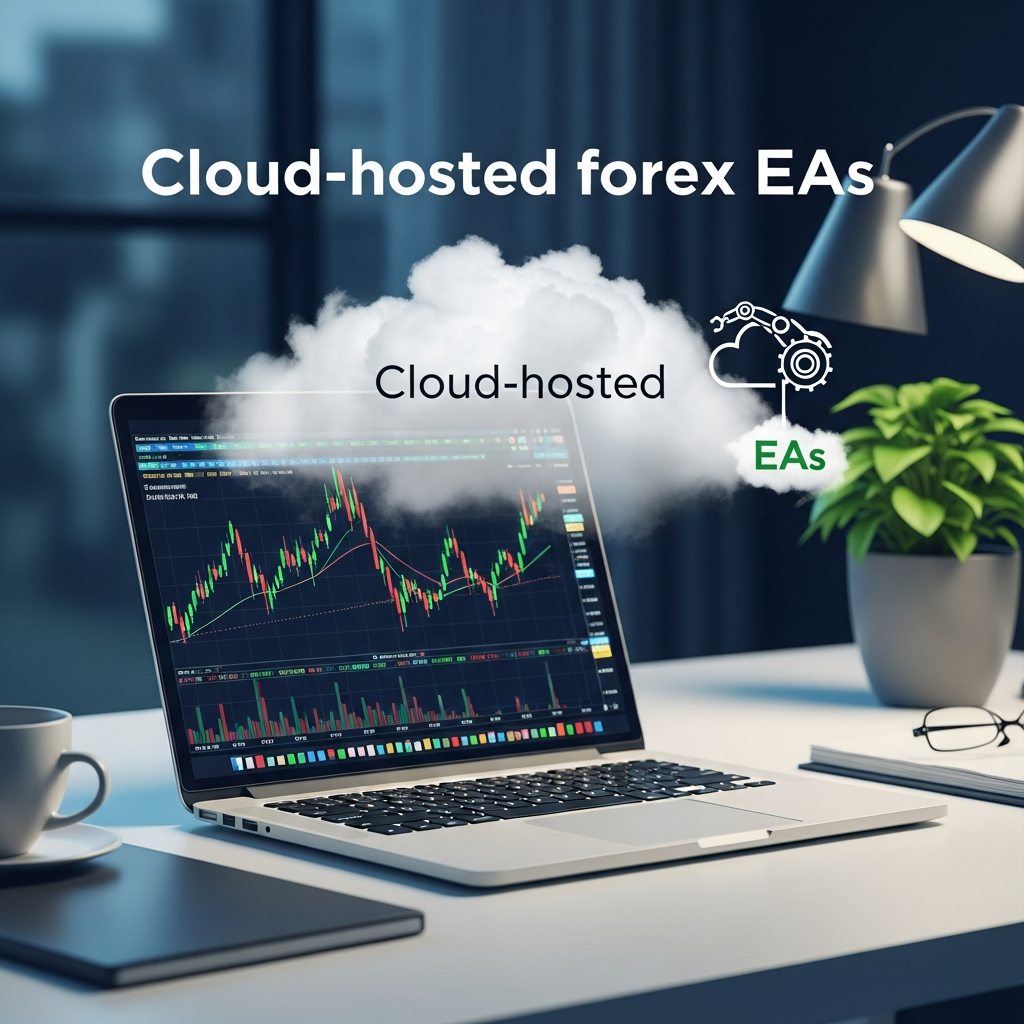
At its core, a cloud-hosted forex EA is an automated trading script running on a virtual private server (VPS) or a cloud-native platform rather than a physical local machine. This means the software is active on a remote server located in a high-tier data center, often situated in close proximity to major financial hubs like London (LD4), New York (NY4), or Tokyo (TY3).
By hosting your EA in the cloud, you decouple your trading strategy from your local hardware and internet connection. This setup ensures that your trading platform—whether it be MetaTrader 4, MetaTrader 5, or a proprietary cTrader environment—stays online 24/7, regardless of whether your laptop is open or your local power grid is functioning.
The Mechanics of Cloud Infrastructure
Cloud hosting utilizes virtualization technology. Instead of one physical server dedicated to one user, a high-performance server is partitioned into multiple virtual environments. Each environment operates independently with its own allocated RAM, CPU power, and disk space. For a forex trader, this means dedicated resources that ensure the EA doesn’t lag or crash due to the activities of other users on the same physical hardware.
The Major Advantages of Cloud Hosting in 2026
Why are professional traders in 2026 abandoning local setups for the cloud? The benefits extend far beyond just ‘staying online.’ It is about the precision of execution and the mitigation of technical risks.
1. Unmatched Uptime and Reliability
A home computer is prone to many points of failure: Windows updates, hardware overheating, accidental shutdowns, and ISP outages. In forex trading, a five-minute outage can result in a missed exit signal or a catastrophic loss if a stop-loss isn’t properly synced. Cloud providers offer 99.99% uptime guarantees, backed by redundant power supplies and multiple internet backbone connections.
2. Ultra-Low Latency Execution
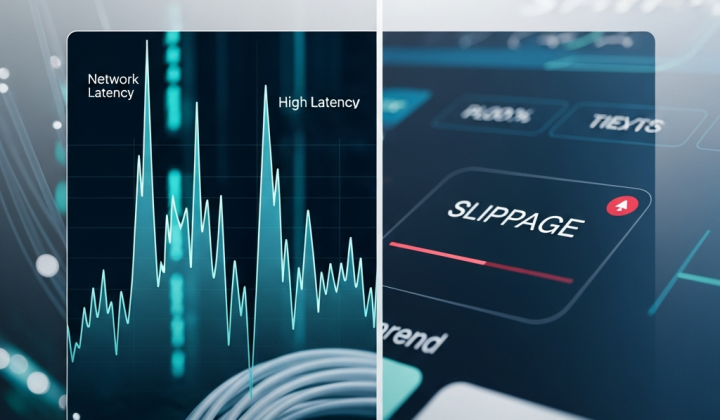
Latency is the delay between a trade signal being generated and the broker’s server receiving it. In the high-frequency environment of 2026, even a 50-millisecond delay can lead to slippage—where your trade is filled at a worse price than expected. Cloud-hosted forex EAs are typically placed in data centers that share the same building or fiber-optic network as the broker’s trade execution engine. This can reduce latency to sub-1ms levels, ensuring your EA gets the price it wants.
3. Enhanced Security
Cloud servers are protected by industrial-grade firewalls and sophisticated DDoS protection. Furthermore, most cloud providers implement automated backups. If a configuration error occurs, you can restore your entire trading environment to a previous state within minutes. This level of data integrity is difficult and expensive to replicate on a personal device.
4. Accessibility and Remote Management
With a cloud-hosted setup, your trading desk is everywhere. You can log into your VPS from a smartphone, tablet, or any computer to check on your EA’s performance, adjust settings, or manually intervene if necessary. This flexibility is vital for the modern trader who needs to manage a portfolio while on the move.
Choosing the Right Cloud Provider for Your EA
Not all cloud hosting is created equal. A generic web host might not be suitable for the specialized needs of forex trading. When selecting a provider for your cloud-hosted forex EAs, consider the following technical benchmarks:
Proximity to Broker Servers
Before signing up, find out where your broker’s execution server is located. If your broker is in London and your cloud host is in Singapore, you are introducing unnecessary latency. Always choose a data center location that is geographically closest to your broker’s primary hub.
SSD/NVMe Storage and Sufficient RAM
In 2026, traditional HDDs are obsolete for trading. Ensure your host uses NVMe storage for rapid data access. For running a single MetaTrader instance with a few EAs, 2GB of RAM is usually the minimum, but if you are running multiple instances or complex neural-network-based EAs, you should look for 4GB to 8GB of RAM.
OS Optimization
Many providers offer “Forex VPS” packages where the Windows Server OS is already stripped of unnecessary background processes. This ensures that every bit of CPU power is dedicated to your trading terminal, reducing the risk of ‘freezing’ during high market volatility.
Step-by-Step: Setting Up Your Cloud-Hosted EA
Migrating from a local setup to the cloud is a straightforward process, but it requires attention to detail. Follow these steps to ensure a smooth transition:
- Select and Subscribe: Choose a reputable forex VPS or cloud provider and select a plan that fits your resource needs.
- Remote Desktop Connection (RDC): Use the RDC application on your computer to log into the remote server using the IP address and credentials provided by the host.
- Install Your Trading Platform: Download the MT4/MT5 or cTrader setup file directly onto the cloud server via its browser and install it.
- Migrate Files: Copy your EA files (.ex4 or .ex5) and any custom indicators or presets from your local machine to the server’s data folder.
- Configure and Test: Open the platform, log into your broker account, and attach the EA to the desired charts. Ensure that ‘Algo Trading’ is enabled.
- Stay Logged In: You can now close the Remote Desktop window. The platform will continue to run on the server indefinitely.
Risk Management in the Cloud
While cloud hosting significantly reduces technical risk, it does not eliminate it. In 2026, smart traders employ additional layers of safety:
- Heartbeat Monitoring: Use a service that pings your EA or VPS every minute and alerts you via Telegram or SMS if the server becomes unreachable.
- Equity Guard EAs: Alongside your primary trading EA, run a secondary ‘monitor’ EA that closes all positions if equity drops below a certain threshold or if it detects a loss of connection to the broker’s feed.
- Resource Alerts: Set up notifications for high CPU or RAM usage, which could indicate that your EA code is inefficient or that the platform needs a restart.
The 2026 Outlook: AI and Cloud-Native EAs
The future of cloud-hosted forex EAs is leaning toward ‘cloud-native’ applications. We are seeing a shift away from desktop-based terminals like MT4 toward containerized trading environments. These systems allow EAs to scale automatically; if market volatility increases and the EA needs more processing power to calculate complex Fibonacci levels or sentiment analysis, the cloud infrastructure automatically allocates more resources in real-time.
Furthermore, the integration of Large Language Models (LLMs) and advanced machine learning into EAs requires significant computational power. Cloud hosting allows retail traders to access the GPU-accelerated hardware necessary to run these AI-driven strategies without owning a $10,000 workstation.
Conclusion: Empowering Your Trading Strategy
Success in the forex market is determined by the quality of your strategy and the precision of its execution. By moving to a cloud-hosted forex EA, you remove the weakest link in the chain: your local hardware. You gain the professional advantages of ultra-low latency, 24/7 uptime, and institutional-grade security.
As we navigate the complexities of the 2026 financial markets, the question is no longer whether you should host your EA in the cloud, but which provider offers the best infrastructure to support your growth. Investing in a high-quality cloud environment is an investment in your trading longevity and your peace of mind. Prepare your setup today, and let the cloud handle the heavy lifting while you focus on refining your edge.